AI Face Swap for Ecommerce Product Images
MotionArt AI Face Swap helps you create realistic on-model product image variations from photos you already have. Upload an approved face reference and a target product image, generate a new version, inspect the details, and use the result in your next campaign.
New accounts get 10 free credits
10 free credits on signup · No credit card · See pricing
Every listing waits for a shoot
A garment, an accessory or a new look needs a person wearing it before it sells. That means a model, a studio and a date you book weeks ahead.
So most catalogs photograph a fraction of what they stock, and the rest goes live as a flat shot on a hanger.
You already own the two photos it takes: the item, and a person.
The problem isn't the photography. It's that a real shoot has to happen before every single listing.
How AI Face Swap works
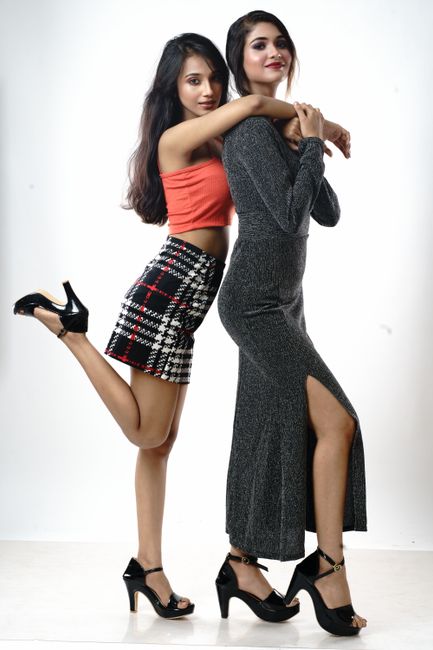
Turn one product shoot into more campaign-ready images
A typical product shoot takes planning. You need samples, a studio, a photographer, a model, styling, retouching, and time to get the final images back. That process makes sense when you are launching a collection from scratch. It is less practical when you already have a strong product image and only need a different approved model look for an ad, collection page, regional landing page, or creative test.
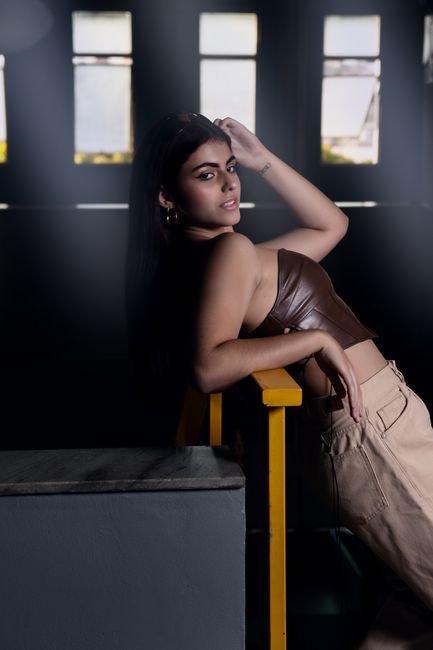
AI Face Swap gives you another option.
Instead of rebuilding the full shoot, you can use an existing product image as the base and replace the model’s face with an approved reference image. The clothing, jewelry, accessories, pose, background, and composition stay tied to the original target photo. The result gives your team another visual direction to review without creating a new production workflow.
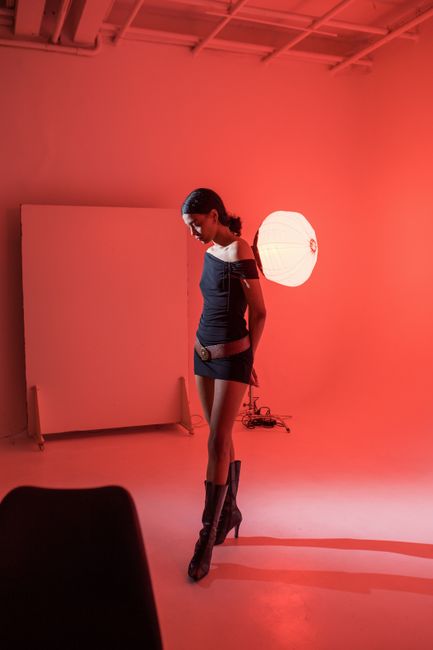
Create more product image variations without another reshoot
Use AI Face Swap when you need to: Test different model looks for paid social ads Refresh a collection page without replacing all product photography Create localized campaign visuals for different markets Build new hero images for seasonal promotions Prepare creative concepts before committing to a full shoot Expand an approved internal model-image library Create more image options for product launches, email campaigns, or landing pages A reshoot can take days or weeks. A face-swapped product image can give your creative team a new direction in under a minute.
What you can do with AI Face Swap
Start from the photo of the adult face to use you already have
Front-on and well lit is enough. A phone photo works; no studio and no booking.
Swap a face from one photo onto another, keeping the destination photo's scene, pose, and lighting
AI Face Swap does one thing, and this is it. The settings above the button are the only choices to make.
Keep the person recognisable
Face and proportions carry over from your photo, so the result is still them.
Repeat it across a set
Same settings, next photo. Each run is priced in credits and the number is on the button before you commit.
Publish it
Download a standard image file for a product page, a profile or an ad. Every plan includes commercial usage rights.
Keep consent in the loop
Use your own photos or those of people who agreed. AI Face Swap is for adults who said yes, never for celebrities or strangers.
Why use AI Face Swap
How AI Face Swap works
AI Face Swap replaces the face in one image with the face from another image. For ecommerce use, there are two inputs: A face reference image: the approved face you want to use. A target product image: the original image containing the product, model pose, lighting, background, and framing you want to keep. The tool analyzes both images, aligns facial features, and generates a new product image variation.
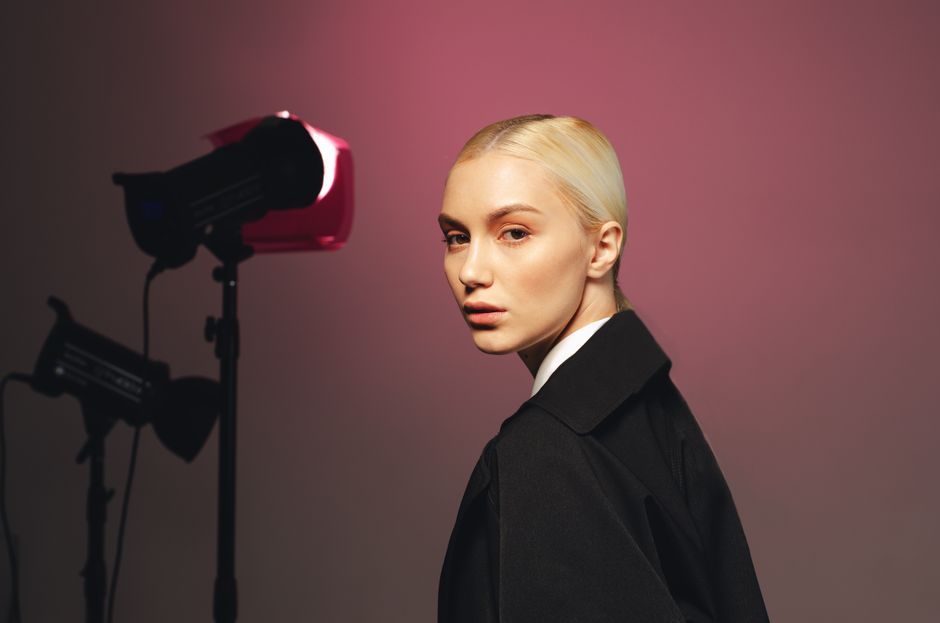
Upload a clear face reference image
The face reference is the person whose face will appear in the final image. Better reference images usually produce better results because the system has more usable visual detail. Choose a photo where the face is clear, well lit, and not heavily blocked. For best results, use a reference image with: A visible face Good lighting A clear jawline and hairline Natural facial expression Limited blur or compression No large sunglasses, masks, hands, or hair covering key facial areas A face angle similar to the target image when possible A straight-on portrait can still work for many target images. But if your target photo shows a strong side profile, a reference photo with a similar angle usually produces a more natural result.
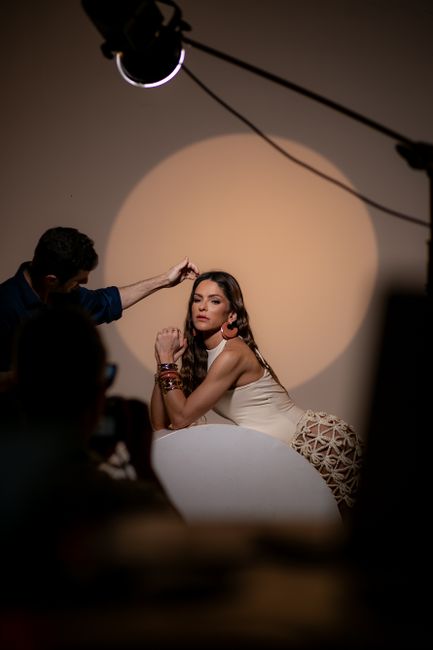
Upload the target product image
The target image is your base product photo. It should already contain the product presentation you want to keep: the garment, accessory, pose, background, styling, crop, and lighting. For example, if you are selling a dress, the target image should already show the dress correctly. AI Face Swap is designed to adapt the model face, not replace the need to verify product color, fit, texture, stitching, accessories, or other details that shoppers rely on. Use a high-quality target image whenever possible. Low-resolution files, heavy blur, extreme shadows, and compressed social-media screenshots give the system less detail to work with. Generate and review the result Once you upload both images, generate your face-swapped variation. Before you publish it, inspect the image carefully. Check the areas where small imperfections are easiest to notice: Hairline Eyes and eyebrows Jawline Ears Neck and collar Skin tone and shadows Glasses Earrings and jewelry Hair overlapping clothing or accessories Product details near the face If the output does not meet your quality standard, try another reference image with better lighting, a more similar face angle, or higher resolution.
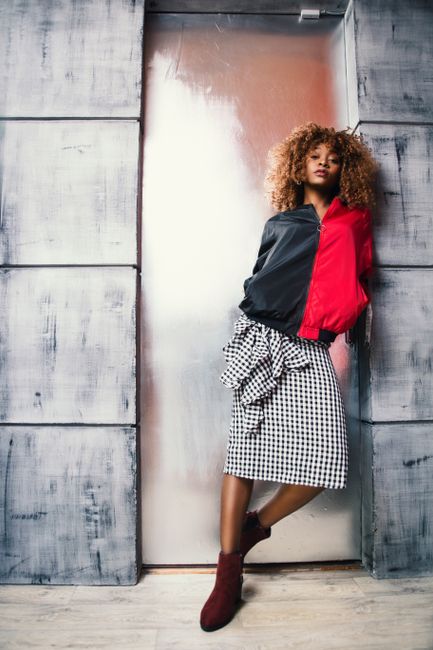
What is Face Swap?
Face Swap is MotionArt's tool to swap a face from one photo onto another, keeping the destination photo's scene, pose, and lighting.
It takes the photo of the adult face to use and destination photo to swap it onto, and returns a finished image you download. Accepted uploads are PNG, JPG or WEBP, and a phone photo works.
The person is treated as fixed: face, body and background come from your photo, and only the intended change is generated.
Each run costs the credit price shown on the button before you generate, and a run that fails is not charged. Every plan includes commercial usage rights. New accounts start with 10 free credits and no card is asked for.
Use it on your own photos or on people who have agreed. Every person in a result must be an adult, and AI Face Swap is not for celebrities or for anyone who has not consented.
AI Face Swap vs a model shoot
AI Face Swap replaces a model shoot for volume, variants and turnaround. It does not replace it for fit and drape on a specific body, and the table says so. MotionArt figures are this tool's live credit price and the plans as of September 29, 2026.
See pricingThe first column describes the steps a shoot or a brief involves, not a quote. The MotionArt column is this tool's live credit price and the published plans.
Use cases for AI Face Swap
What makes an AI face swap look natural
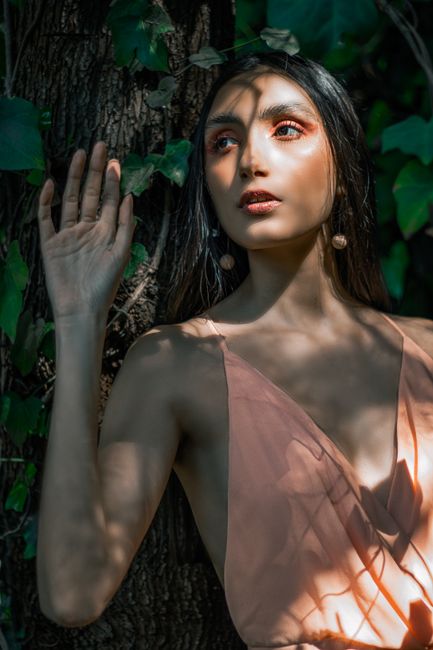
A realistic face swap depends on the quality and compatibility of the two images. The tool can process the image quickly, but the input photos determine much of the final quality. When the source and target images have compatible angles, lighting, and resolution, the result usually blends more naturally. When they differ heavily, facial edges, shadows, hair, and accessories may need closer review.

Match face angle and camera perspective
Face angle matters because a face photographed from the front contains different visual information than one photographed in profile. If your target image shows the model looking sharply to the side, use a face reference with a similar side angle. If the model is facing forward, choose a forward-facing reference image. When the angles are similar: Facial proportions align more naturally Eyes and nose sit more consistently in the target image The jawline and cheek structure blend better Hairline transitions are usually cleaner When the angles are very different, the final image may still be usable, but you should inspect it more carefully before publishing.
Use clear lighting and high-quality images
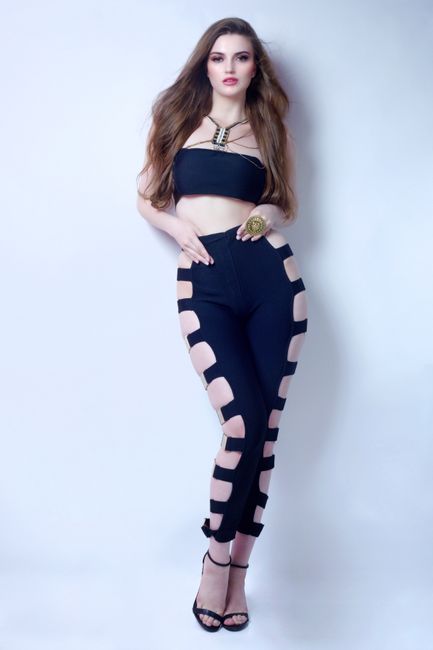
Lighting affects whether the face looks like it belongs in the target image. A well-lit reference image gives the system more information about skin tone, facial features, and facial contours. A dark, blurry, heavily compressed, or backlit image makes those details harder to preserve. Start with: Clear JPG, PNG, or WEBP files A face that is not heavily shadowed Enough resolution to see facial detail A target image with a visible face Lighting that is reasonably compatible between the two photos Avoid using a tiny profile image, a screenshot from a video call, a heavily filtered selfie, or a photo where the face is mostly hidden.
Check product details near the face
Face swapping can be useful for fashion, jewelry, beauty, accessories, and lifestyle imagery. These categories also need more attention because important product details often sit close to the face. For example: Earrings can overlap the ear and hairline Necklaces can sit near the chin and neck Glasses can create complex reflections and edge details High collars and scarves can blend into the jawline Hats, headbands, and hair accessories can interact with the hairline Makeup details may need review if they are part of the product presentation The closer a product sits to the face, the more carefully you should inspect the final result.
Run an initial leak test before publishing
An initial leak test is a quick first review for visual artifacts that reveal the edit. Look for details that do not blend correctly, such as: Skin tone changing abruptly around the jawline Hairline edges that look too sharp or too soft Duplicate ears or distorted ear shapes Earrings that appear warped or disconnected Unnatural shadows under the chin Blurred edges around the face Background details bleeding into the hair Facial features that do not match the target image’s pose These issues are more likely when the reference face and target photo have different lighting, camera angles, or image quality. The fix is simple: review the output at full size, compare it with the original target image, and regenerate if key details look inconsistent.
Use AI Face Swap for ecommerce campaigns
AI Face Swap is most useful when you already have product imagery and need more flexibility from it. Instead of treating every new campaign as a full photoshoot request, your team can create controlled visual variations from approved assets.
Create regional campaign variations
A campaign image that works in one market may not be the best fit for another. Brands often need different visual directions for localized landing pages, paid social ads, email promotions, and regional storefronts. Traditionally, that can mean separate production planning for each market. With an approved face reference and an existing target image, you can create variations that better match a specific campaign direction while keeping the product, studio setup, styling, and original composition consistent. Use this approach for: Localized collection-page banners Regional paid social campaigns Seasonal homepage visuals Market-specific email creative Audience-focused ad testing Product-launch assets
Test creative ideas before booking another shoot
A new photoshoot is expensive when you are still deciding what visual direction will perform best. Your team may be asking questions like: Would a different model look improve ad engagement? Should we refresh the homepage hero? Does this collection need a more editorial or more commercial visual style? Will a localized creative direction work in this market? Should we invest in new lifestyle photography? AI Face Swap can help you test ideas before committing to production. Create a few internal concepts, compare them in your creative review process, and use the strongest direction to decide whether a full shoot is necessary. This reduces guesswork. Instead of approving a new shoot based on assumptions, you can make the decision after seeing a close representation of the intended campaign direction.
What AI Face Swap costs
Every tool draws from one credit balance. The plans below are the whole price list; the credit cost of this tool sits on the button before you generate.
Prices in USD as of September 29, 2026. Unused monthly credits roll over and every plan can be cancelled at any time. Every new account starts with 10 free credits. Compare the plans in full.
Questions before you generate
AI Face Swap replaces the face in a target image with the face from a reference image. In ecommerce, it can help create new model-image variations while preserving the original product, pose, lighting, background, and composition.
Ready to try AI Face Swap?
Sign in with Google and generate your first result. 10 free credits, no card.