Every product image your store needs, from one photo
MotionArt takes the product photo you already have and returns studio shots, lifestyle scenes, creator-style photos, on-model shots, try-on images and short video. The product's shape, colors, logo and label text stay as photographed. Only what surrounds it is generated.
Scenes
Studio and lifestyle shots from the photo you already have
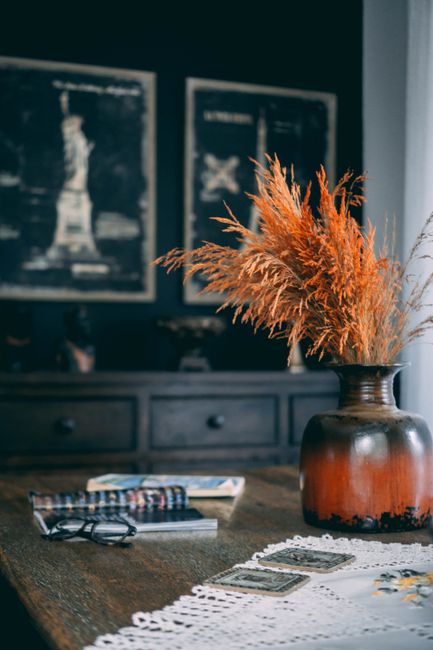
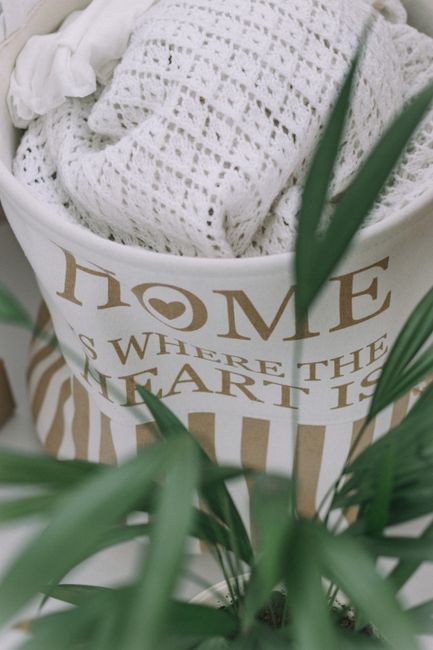
Upload a product photo and describe the setting: a flat-lay, a kitchen counter, a studio sweep, a seasonal table. MotionArt keeps the product's shape, colors and label text as photographed and generates the scene around it, so the listing shows the item that ships. A phone photo is enough. Prefer full control? Write the prompt yourself and pick the model in the composer.
UGC content
Creator-style photos without booking a creator
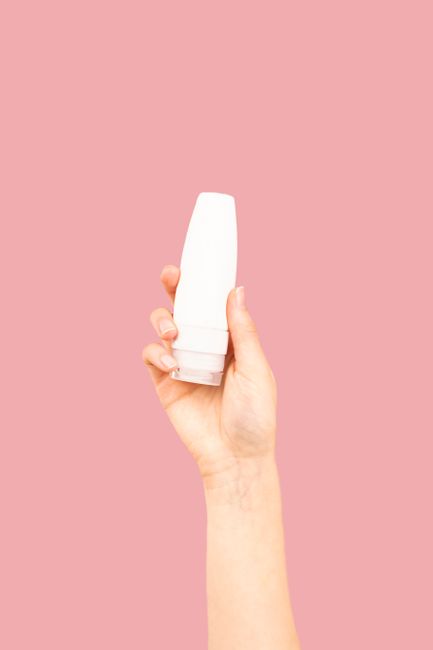
UGC-style images look like a customer took them, and that look is what performs in ads and feeds. MotionArt renders the product first and applies the handheld, natural-light style second, so logos and labels stay sharp instead of dissolving into generic texture. Every person shown is generated, and every one of them is an adult.
Video
Short product video for ads, TikTok and Instagram
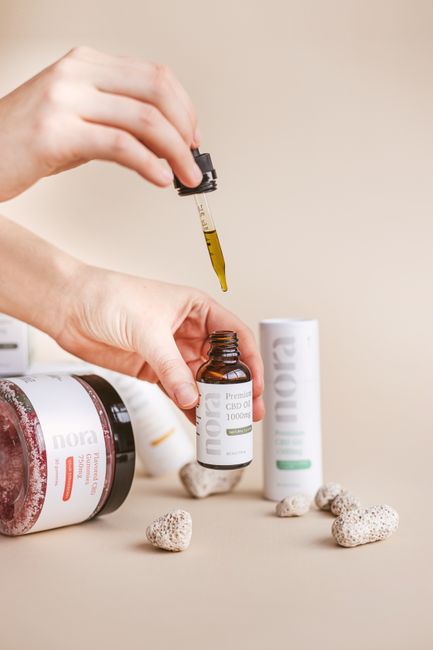
One product photo becomes a short clip: vertical for Reels and TikTok, square for feeds, widescreen for wide placements. Add a motion prompt to direct the movement. The clip runs through the same accuracy-first pipeline as the photos, so the product does not distort as it moves. Video generation needs paid credits; the free starting credits cover the image tools.

Persona
On-model shots with a generated adult persona
Put the product in the hands, or on the shoulders, of a generated persona. Choose the setting: home, outdoor, studio portrait, or a scene you describe. Every persona MotionArt generates is an adult; that is platform policy, with no exceptions.

Virtual try-on
See a garment worn, without a fitting or a shoot
Upload the garment and a photo of a person, and MotionArt renders it worn, with the drape following the pose. Use it on product pages, in lookbooks and in ads where a shopper wants to see clothing on a body before buying. Use your own photos or people who agreed to appear. It is a convincing visual, not a fit test.

Every tool, by category
Beyond the five content types above, MotionArt has 110 single-purpose tools. Each one has its own page with what it does, what it costs and what it will not do; browse them all on the tools page, or sign in and open them under Tools.
AI Model Image
- Virtual Try-On (Apparel)
- Virtual Try-On (Accessories)
- Virtual Try-On (Jewelry)
- Virtual Earring Try-On
- Virtual Watch Try-On
- Virtual Bracelet Try-On
- Virtual Necklace Try-On
- Virtual Ring Try-On
- Swap Fashion Model
- Pose Changer (AI Pose Generator)
- Clone Ad
- Editorial Fashion Social Media Visual
- Brand Lookbook Poster
- Multi-Scene Grid Collage
- Multi-View Product & Model Showcase
- Cinematic B&W Portrait
- Q-Style Human Conversion
- AI Avatar Generator
- Clothing Showcasing
- Virtual Try-On (Multiple Items)
- AI Face Swap
- AI Clothes Changer
- AI Stylist
- AI Mugshot Maker
- AI Character Change
- AI 3D Figure
- AI Professional Headshot Generator
- Surrounded by Animals
- Age Filter
- AI Baby Generator
- AI Couple Photo Maker
- AI Wedding Photo Generator
- Photo Together Generator
- Pet Costume Generator
- Holiday Photo Filter
- Virtual Try-On (Glasses)
AI Product Image
- Product In Hand
- Product Spotlight
- Lifestyle Scene
- AI Product Listing Generator
- AI Multi-Angle Product Shots
- Halloween Product Scene
- Halloween Creative Effects
- Festival Style Images
- Season-Specific Images
- Jewelry Product Photography
- Luxury Product Showcase
- Skincare Product Effect Image
- Fabric Close-Up
- Flatlay Catalog
- Ghost Mannequin Catalog
- Mockup Branded Packaging
- Digital Products Photography
- Detail Showcasing
- Product Usage
- Pet Passport Photo Generator
AI Design
- AI Business Card Generator
- AI Brochure Maker
- AI Poster Maker
- AI Logo Design
- AI Sticker Design
- AI Brand Kit Generator
- Jewelry Product Infographic
- Clothes Parameter Diagram
- Frame-in-Poster Mockup
- Text to Image AI
- Image to Image AI
- AI Billboard Mockup
- AI Realistic Drawing
- AI Comic Strip Generator
- Photo Style Converter
- AI Album Cover Generator
- AI Image Combiner
See it on your own products
Sign in with Google and run any image tool on a product photo of yours. 10 free credits, no card.
Start free — 10 credits, no credit card