AI image generator for text-to-image and image-to-image
Describe the image or upload a reference, pick a model, set the size, and download PNG, JPG or WebP. 10 free credits to start, no card.
No credit card required · 10 free credits to start
What is the MotionArt AI image generator?
The MotionArt AI image generator is a browser-based composer that turns a text prompt, or a prompt plus a reference photo, into an image at up to 4K. You describe what you want, pick a model, and download the result.
Your prompt goes to the model you choose rather than one fixed engine, so you can compare outputs side by side. Text-to-image, image-to-image and MotionArt's catalog of photo and video tools share one workspace, one credit balance and one generation history.
Text to image
Type what you want to see: subject, setting, lighting, camera angle. The model you pick renders it, and you download the result as PNG, JPG or WebP.
Image to image
Upload a reference photo and describe the change. The composition you care about stays; the style, palette or scene around it is generated.
Multi-model switcher
Run the same prompt through more than one image model and compare the results side by side, from one composer and one credit balance.
Up to 4K output
Export at up to 4K on the models that support it, sized for posters, packaging, covers and large-format print.
What you can generate
Photoreal product shots, portraits and painted scenes, from one prompt each.

Portraits & people
Characters, headshots, and editorial portraits with natural skin, lighting, and expression.

Products & mockups
Clean studio shots, packaging, and mockups you can drop straight onto a store or deck.
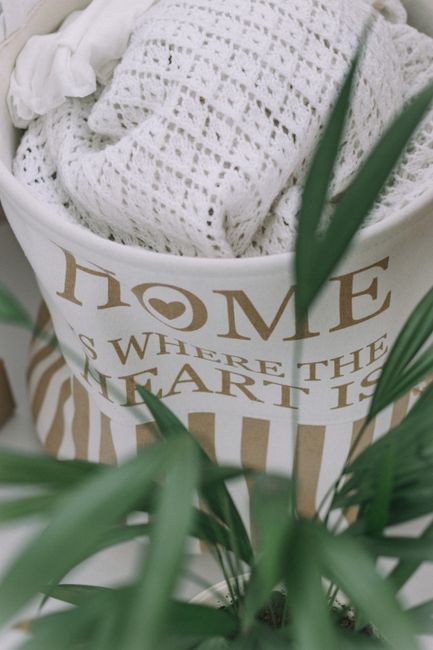
Concept art & scenes
Worlds, environments, and moodboards — painterly or photoreal, from one line of text.
The controls that decide the result
What sits between a rough idea and a finished, on-brand image.
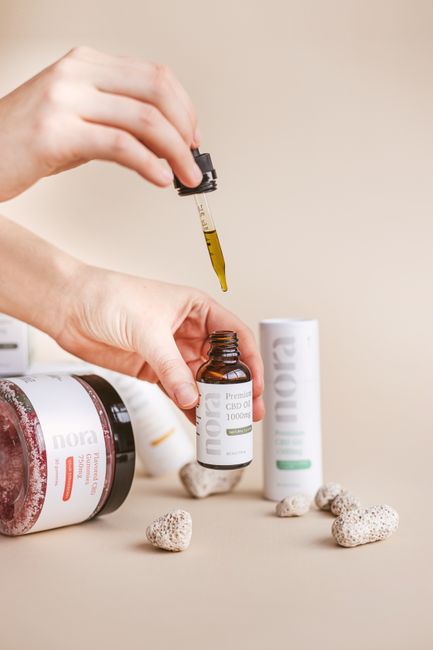
Four variations per run
Ask for up to four variations in one run, pick the closest, and iterate from it instead of starting over.
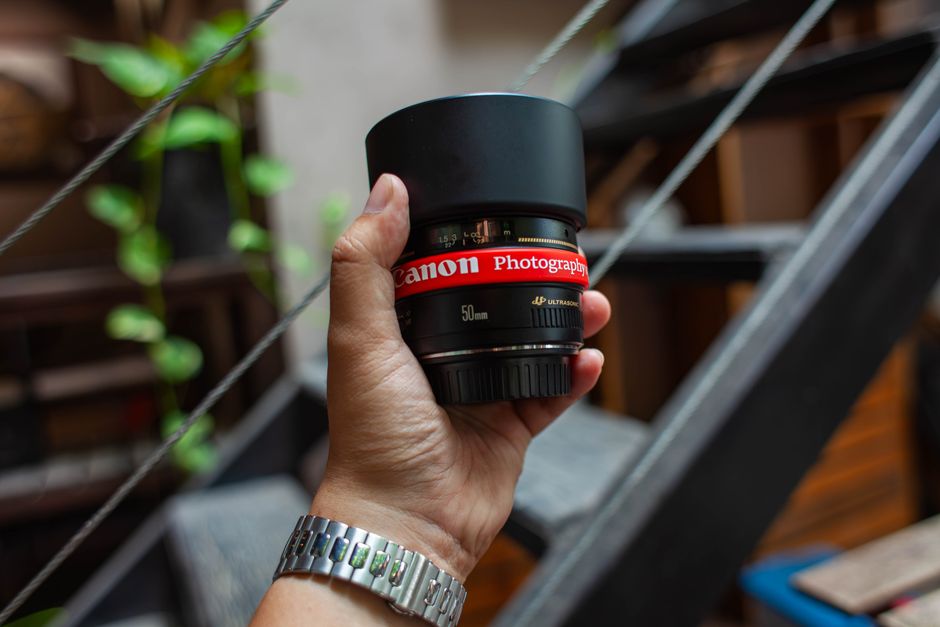
Size it before you generate
Set resolution, quality and aspect ratio first, so each image is made for where it will live: a feed post, a story or a wide banner.
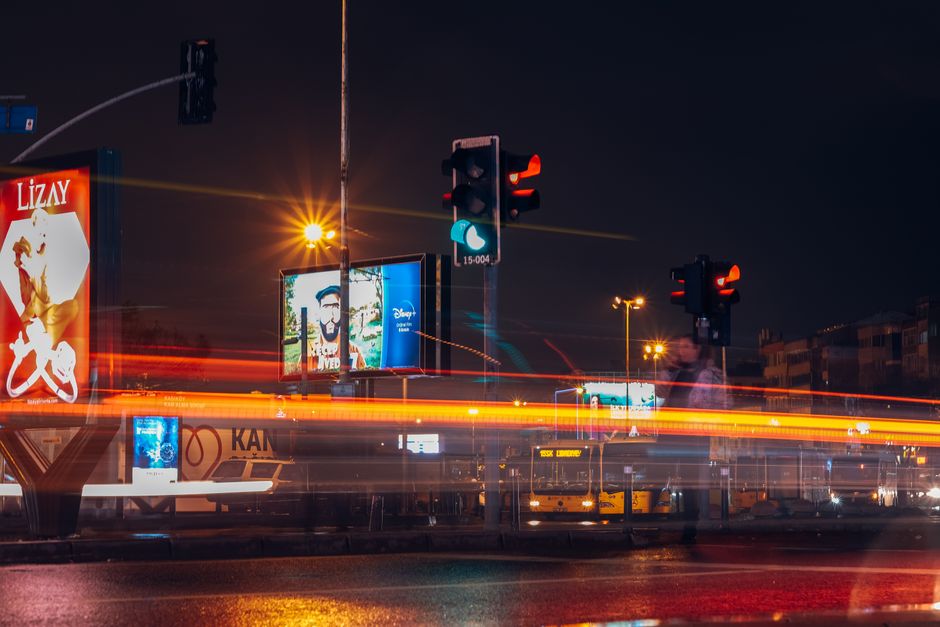
Drafts in seconds
Fast models return a first look in seconds, so you explore directions quickly and spend credits only on the render you keep.
One look across a set
Reference an existing image, or pick a model tuned for your aesthetic, to hold one look across a whole set without long prompts.
Yours to use commercially
Every plan includes commercial usage rights on what you generate. Adult and explicit content is not allowed, and uploads and prompts are moderated.
How to generate AI images
Four steps from a blank prompt to a finished image.
Open the generator
Start right from the prompt bar on this page, or sign in and land straight on the Generate workspace.
Describe your image
Write the subject, setting, mood, and lighting in plain language. The more specific the prompt, the closer the result.
Pick a model and settings
Choose from the built-in image models, then set resolution, aspect ratio, and how many variations to render.
Generate and refine
Review your variations, re-run with small tweaks, and download the winner in high resolution when you are happy.
Every model, one composer
Switch between image models without leaving MotionArt: no extra subscriptions, one credit balance.
Loading the current model line-up…
Why generate here
One workspace for every model, built for how projects get made: quick exploration first, a polished final when it counts.
Where the AI image generator earns its credits
Where one prompt replaces a stock search, a designer's queue or a photo shoot.
E-commerce product photography
One phone photo becomes a white-background listing, a lifestyle scene and a seasonal variant, without booking a studio.
Social media at scale
Generate the square, vertical and wide versions of one idea for Instagram, TikTok, Pinterest and LinkedIn in one sitting.
Paid ads and A/B tests
Produce the ten creative variants a test needs, banners, email headers and retargeting sets, without a stock licence per image.
Brand and mood boards
Explore palettes, icon directions and visual moods before production, so the team reacts to images instead of adjectives.
Print-on-demand merch
Design tees, mugs, posters and stickers, then export at up to 4K so the print stays sharp.
Blog and article images
Give every post an original hero image instead of recycled stock, in the time it takes to outline the piece.
The kind of image you can make
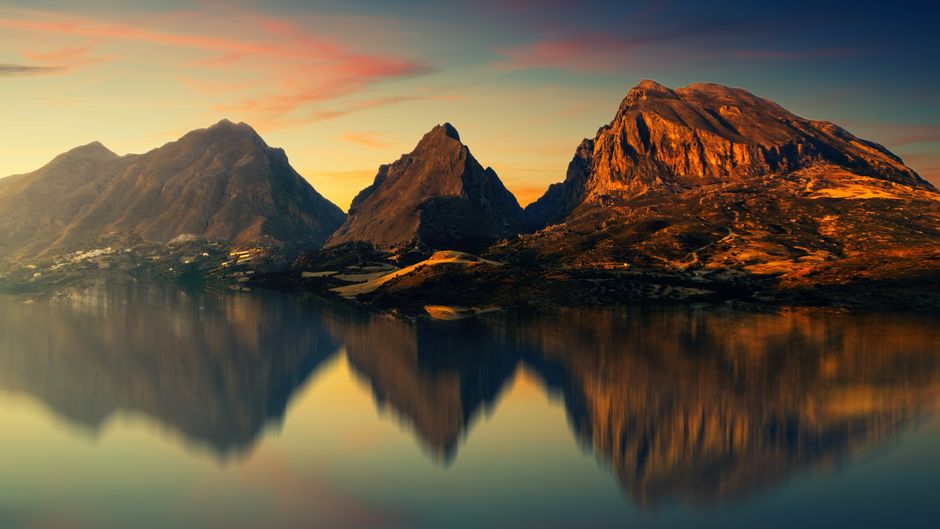
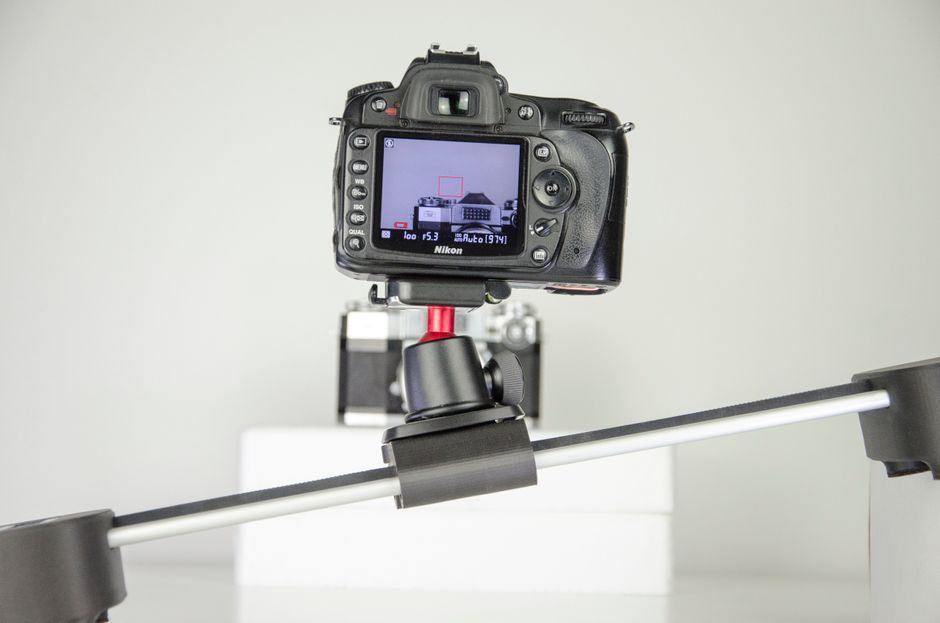
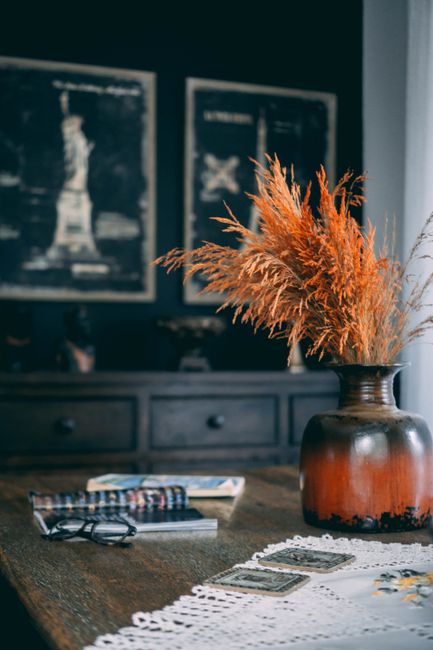
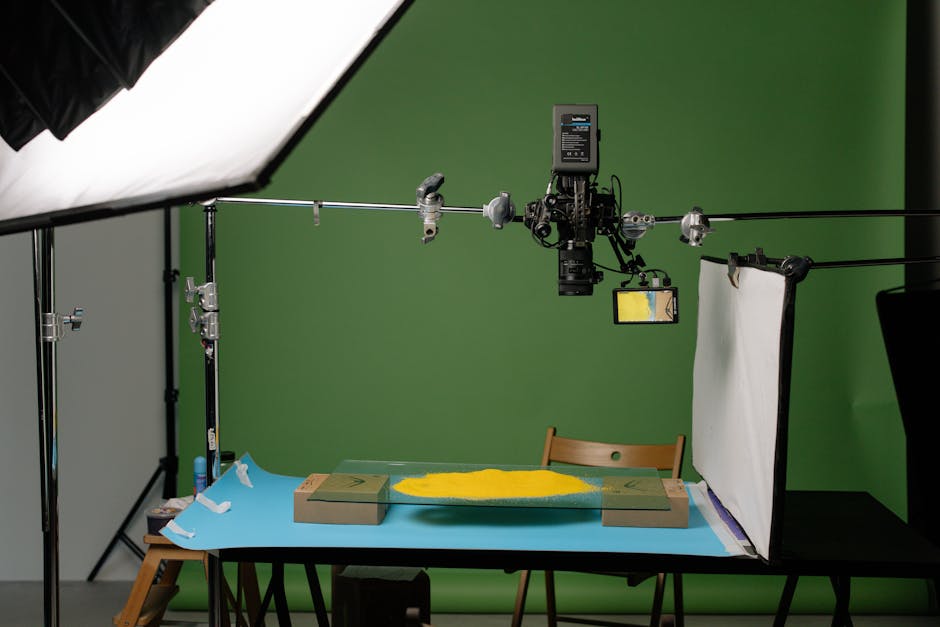
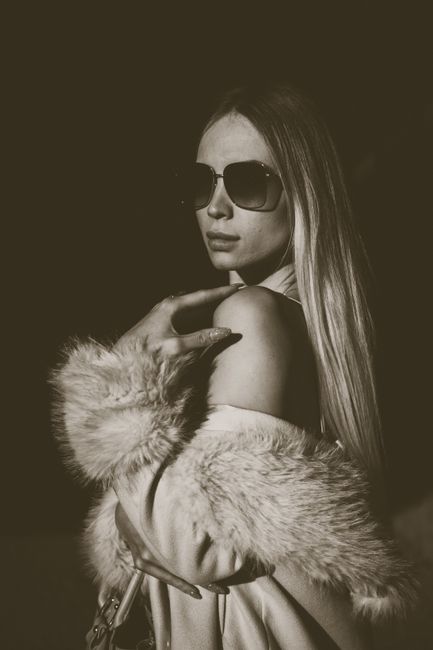
Stock photographs chosen to show the range of subjects and styles, not generations from other users. Start your own from the prompt bar above.
Questions about the AI image generator
Start with 10 free credits
No credit card. Write a prompt, pick a model, and generate.