AI Mugshot Maker
Turn a photo into a realistic mugshot-style photo, just for fun.
New accounts get 10 free credits
10 free credits on signup · No credit card · See pricing
Every listing waits for a shoot
A garment, an accessory or a new look needs a person wearing it before it sells. That means a model, a studio and a date you book weeks ahead.
So most catalogs photograph a fraction of what they stock, and the rest goes live as a flat shot on a hanger.
You already own the two photos it takes: the item, and a person.
The problem isn't the photography. It's that a real shoot has to happen before every single listing.
How AI Mugshot Maker works
Upload your photo
Drag in any photo you already have. A plain phone photo is fine, no studio setup or preparation needed.
Choose your settings
Pick the options that fit the result you want. AI Mugshot Maker handles the lighting, framing and detail work for you.
Generate and download
Review the result, re-run with tweaks if you want a different take, then download it ready to use.
What you can do with AI Mugshot Maker
Start from the photo you already have
Front-on and well lit is enough. A phone photo works; no studio and no booking.
Turn a photo into a realistic mugshot-style photo, just for fun
AI Mugshot Maker does one thing, and this is it. The settings above the button are the only choices to make.
Keep the person recognisable
Face and proportions carry over from your photo, so the result is still them.
Repeat it across a set
Same settings, next photo. Each run is priced in credits and the number is on the button before you commit.
Publish it
Download a standard image file for a product page, a profile or an ad. Every plan includes commercial usage rights.
Keep consent in the loop
Use your own photos or those of people who agreed. AI Mugshot Maker is for adults who said yes, never for celebrities or strangers.
Why use AI Mugshot Maker
Minutes, not a photoshoot
Get a finished result in under a minute. No photographer, no studio booking, and no waiting on a reshoot.
Faithful to your original
AI Mugshot Maker changes only what it should, so the details that matter in your original photo stay intact.
Pay only for what you generate
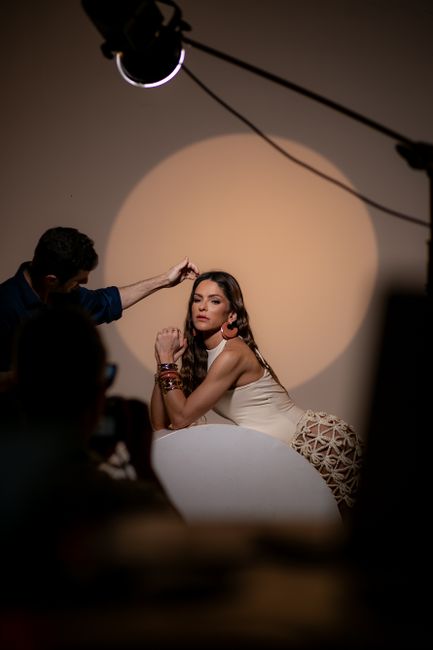
Each run costs 3 credits. There is no subscription required to try it, and new accounts start with 10 free credits.
What is Mugshot Maker?
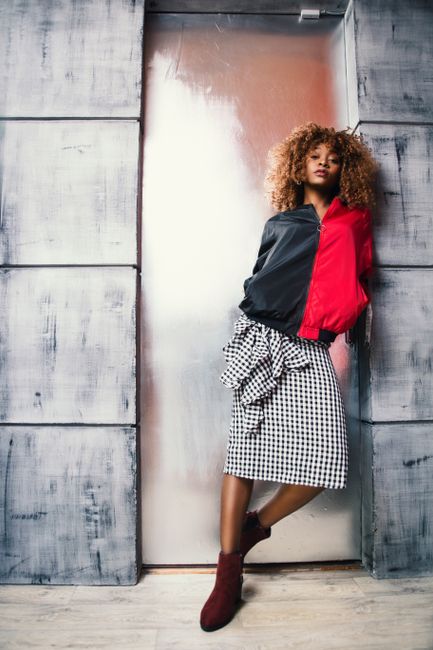
Mugshot Maker is MotionArt's tool to turn a photo into a realistic mugshot-style photo, just for fun.
It takes the photo, and returns a finished image you download. Accepted uploads are PNG, JPG or WEBP, and a phone photo works.
The person is treated as fixed: face, body and background come from your photo, and only the intended change is generated.
Each run costs the credit price shown on the button before you generate, and a run that fails is not charged. Every plan includes commercial usage rights. New accounts start with 10 free credits and no card is asked for.
Use it on your own photos or on people who have agreed. Every person in a result must be an adult, and AI Mugshot Maker is not for celebrities or for anyone who has not consented.
AI Mugshot Maker vs a model shoot
AI Mugshot Maker replaces a model shoot for volume, variants and turnaround. It does not replace it for fit and drape on a specific body, and the table says so. MotionArt figures are this tool's live credit price and the plans as of September 29, 2026.
See pricingThe first column describes the steps a shoot or a brief involves, not a quote. The MotionArt column is this tool's live credit price and the published plans.
Use cases for AI Mugshot Maker
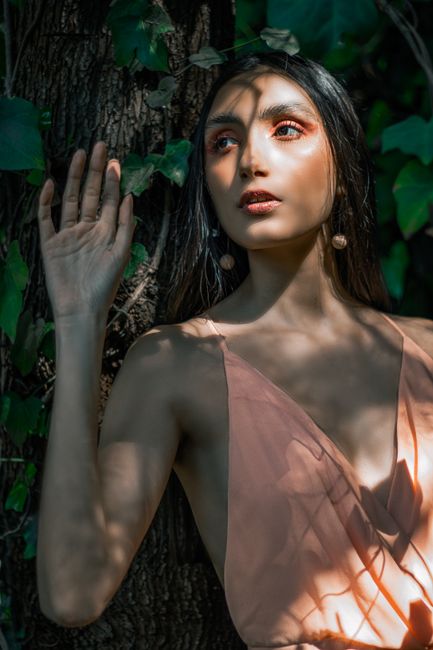
Ecommerce model shots
Show garments and accessories worn, without booking a model or studio day.

Size and variant coverage
Present the same piece across looks so shoppers can picture it on themselves.
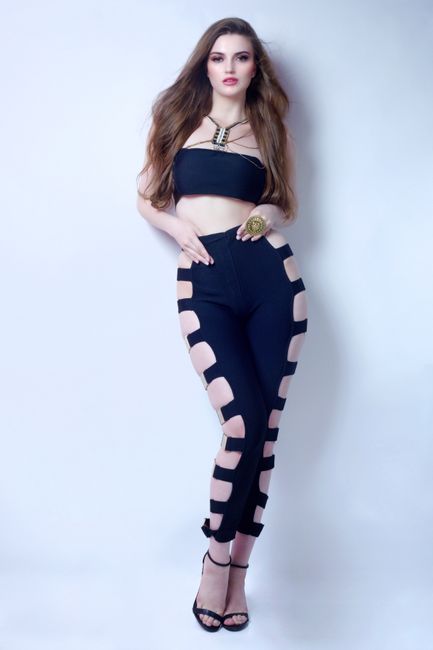
Campaign and lookbook imagery
Build a consistent set of on-model visuals for a launch or seasonal push.
What AI Mugshot Maker costs
Every tool draws from one credit balance. The plans below are the whole price list; the credit cost of this tool sits on the button before you generate.
Prices in USD as of September 29, 2026. Unused monthly credits roll over and every plan can be cancelled at any time. Every new account starts with 10 free credits. Compare the plans in full.
Questions before you generate
Turn a photo into a realistic mugshot-style photo, just for fun.
Ready to try AI Mugshot Maker?
Sign in with Google and generate your first result. 10 free credits, no card.