Kling O1 Reference Image to Video [Pro]
Transform images, elements, and text into consistent, high-quality video scenes, ensuring stable character identity, object details, and environments.
No credit card required · 10 free credits to start
What is Kling O1 Reference Image to Video [Pro]?
Transform images, elements, and text into consistent, high-quality video scenes, ensuring stable character identity, object details, and environments.
![Example image from Kling O1 Reference Image to Video [Pro]](https://v3b.fal.media/files/b/kangaroo/L7EgH8_I_ZIngBtpKaL-Y_ca0bcf7b2c8f4319b8af7dc386bdb3d9.jpg)
What Kling O1 Reference Image to Video [Pro] does well
Text to image
Turn a written prompt into a finished image with Kling O1 Reference Image to Video [Pro].
Reference guidance
Guide the look with a reference image for a consistent result.
Compare models
Run the same prompt across models and keep the output that fits your project best.
High-resolution export
Export at resolutions suited to posters, packaging, and large-format use where the model supports it.
Where Kling O1 Reference Image to Video [Pro] shines
E-commerce & product imagery
Clean catalog shots, lifestyle scenes, and seasonal variants without a studio booking.
Social & ad creative
Platform-perfect ratios and the many A/B variants modern campaigns need.
Concept art & mood boards
Pre-visualise scenes, palettes, and directions faster than paper thumbnails.
Questions about Kling O1 Reference Image to Video [Pro]
What generating with Kling O1 Reference Image to Video [Pro] costs
Every model draws from the same credit balance. The plans below are the whole price list; the exact credit cost of a run is shown in the composer before you generate.
Prices in USD as of September 29, 2026. Unused monthly credits roll over and every plan can be cancelled at any time. Compare the plans in full.
More Kling AI models
Other models in the Kling AI family — or view all Kling AI models.
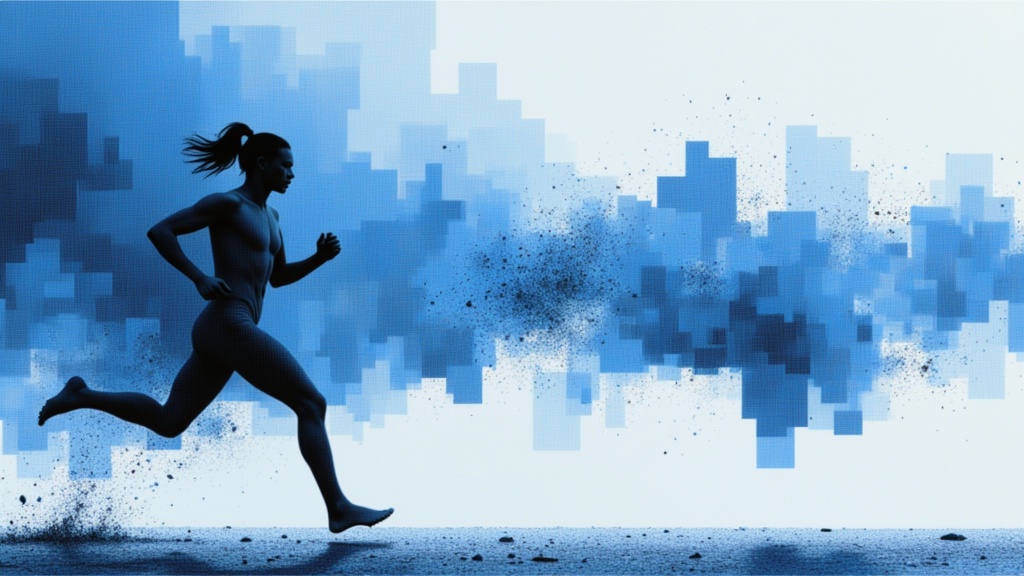
Kling Image
Kling Omni 3: Top-tier text-to-image with flawless consistency.
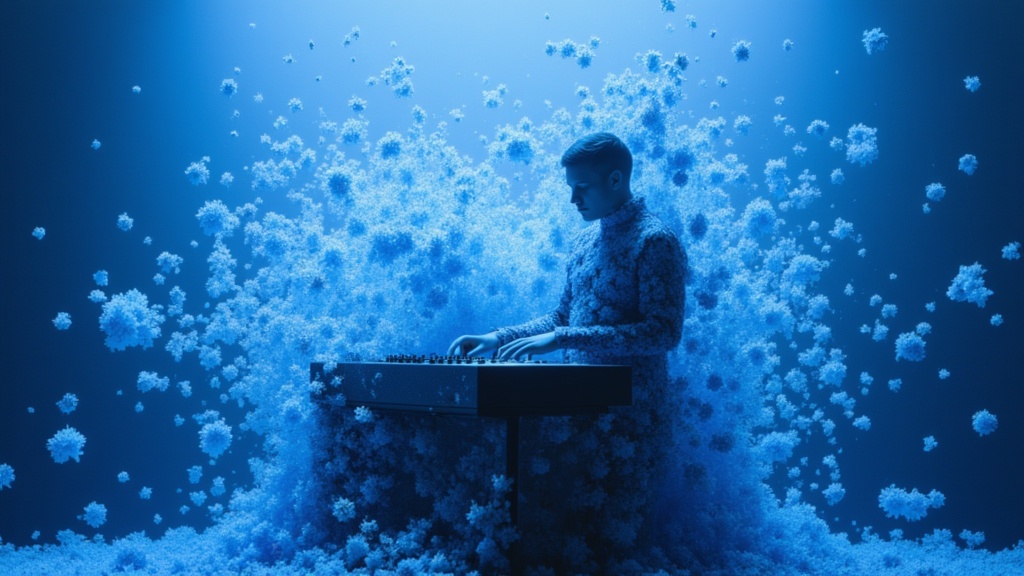
Kling Image
Kling V3: Latest Kling Image model
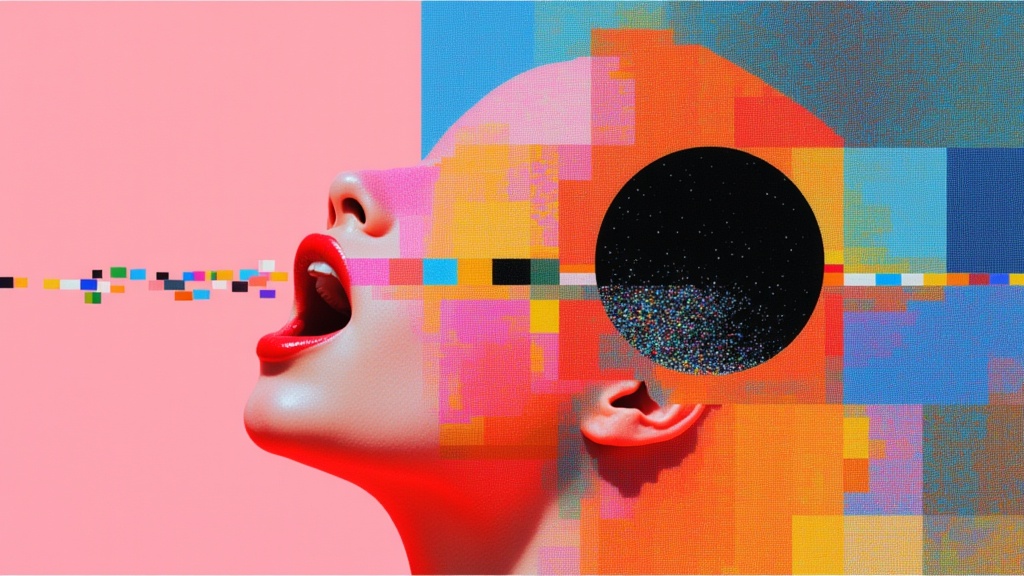
Kling O1 Image
Perform precise image edits using strong reference control, transforming subjects, styles, and local details while preserving visual consistency.
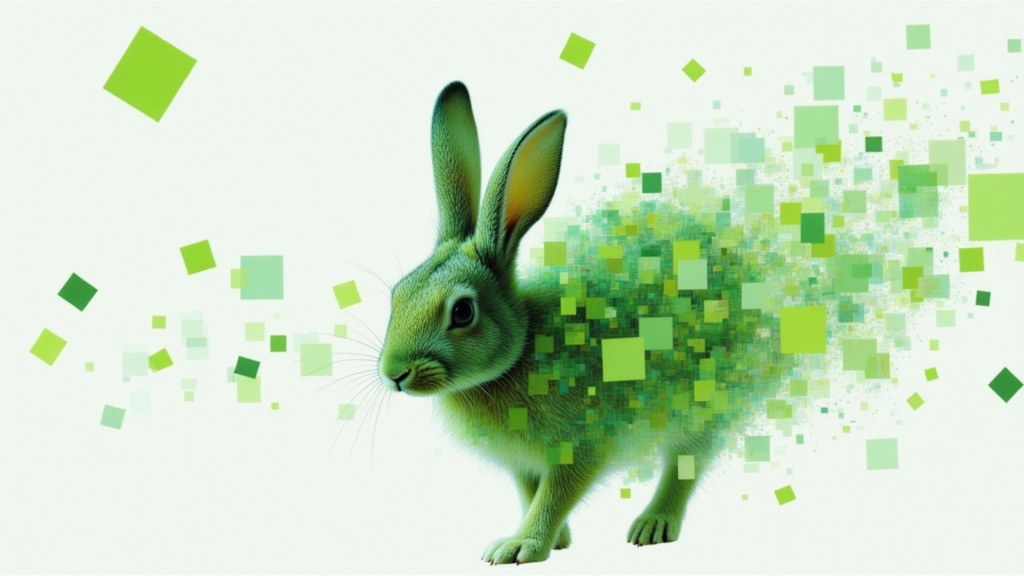
Kling Image
Kling Omni 3: Top-tier image-to-image with flawless consistency.
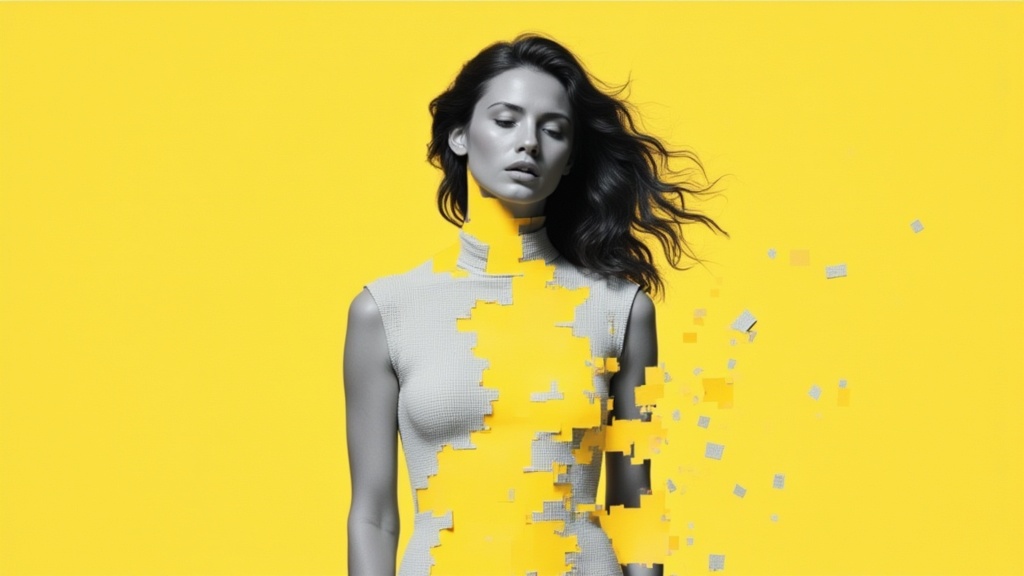
Kling Image
Kling Image V3: Latest kling image model
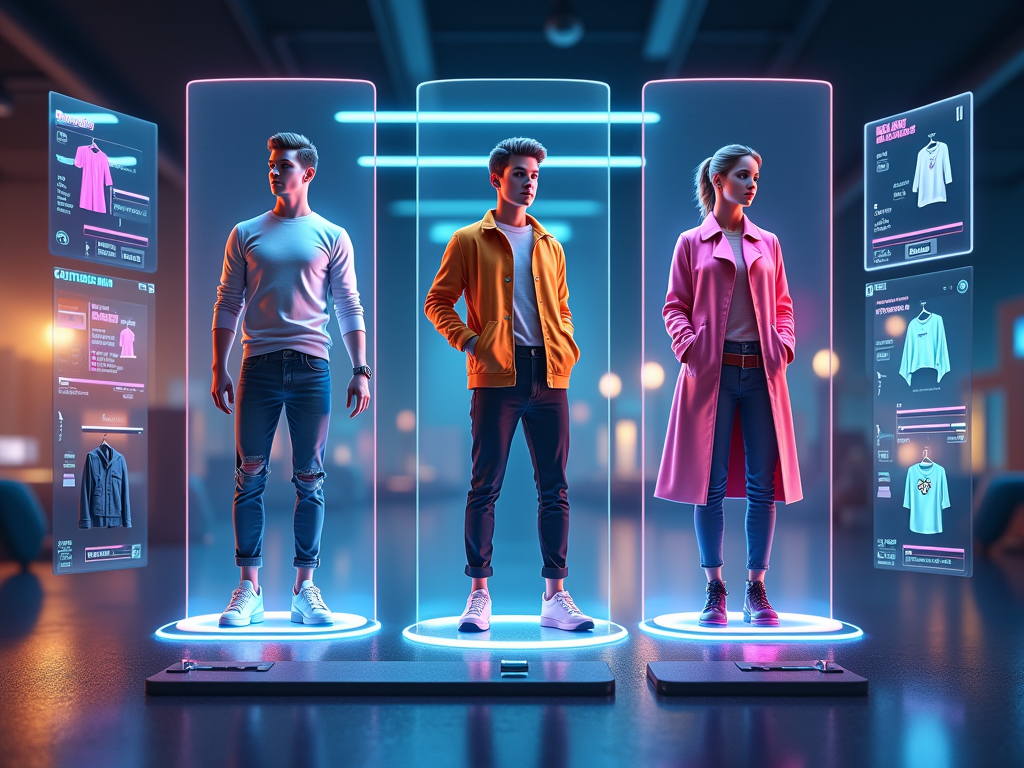
Kling Kolors Virtual TryOn v1.5
Kling Kolors Virtual TryOn v1.5 is a high quality image based Try-On endpoint which can be used for commercial try on.
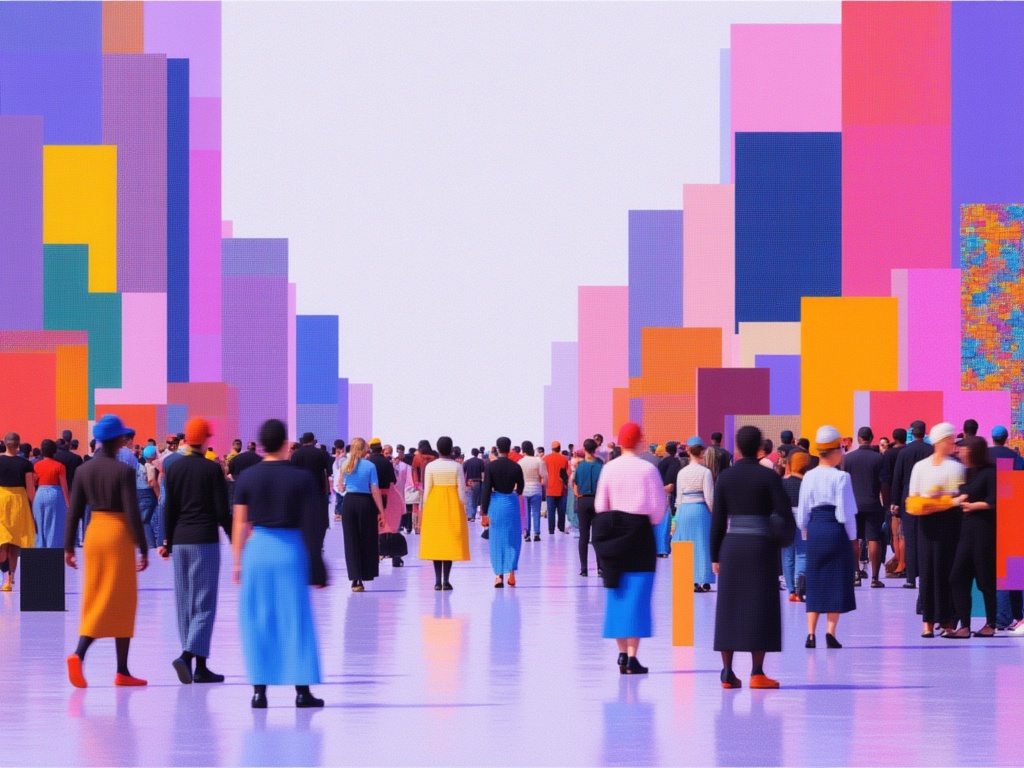
Kling AI Avatar v2 Pro
Kling AI Avatar v2 Pro: The premium endpoint for creating avatar videos with realistic humans, animals, cartoons, or stylized characters
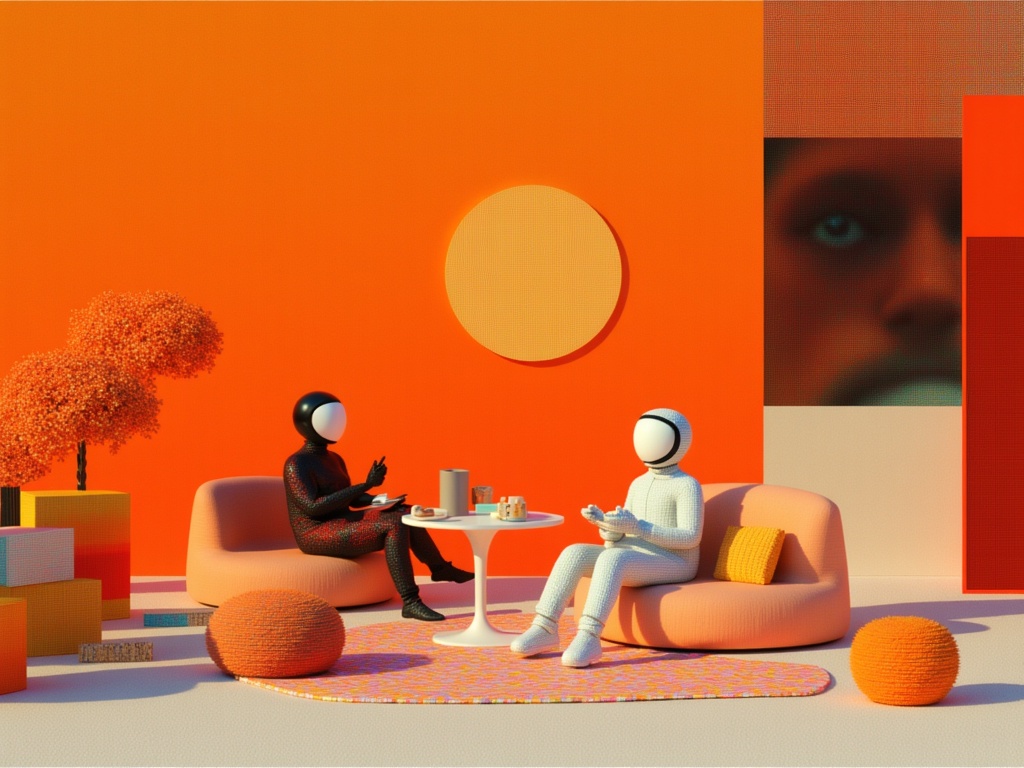
Kling AI Avatar v2 Standard
Kling AI Avatar v2 Standard: Endpoint for creating avatar videos with realistic humans, animals, cartoons, or stylized characters
![Kling O1 First Frame Last Frame to Video [Pro]](https://v3b.fal.media/files/b/monkey/fPJwa1EtpB5bYyqS2u7us_ddd5fec670b149288123785cd5ee6e54.jpg)
Kling O1 First Frame Last Frame to Video [Pro]
Generate a video by taking a start frame and an end frame, animating the transition between them while following text-driven style and scene guidance.
![Kling O1 First Frame Last Frame to Video [Standard]](https://v3b.fal.media/files/b/0a86000e/kN3PH-dHrMpnHW9OlNlTQ_813cef4c332f4a6c9120e6890b013b91.jpg)
Kling O1 First Frame Last Frame to Video [Standard]
Generate a video by taking a start frame and an end frame, animating the transition between them while following text-driven style and scene guidance.
![Kling O1 Reference Image to Video [Standard]](https://v3b.fal.media/files/b/0a860024/IeH4LL0fTNCVBiDW7YTyc_48485917433c4e6ebe9a042112c8147f.jpg)
Kling O1 Reference Image to Video [Standard]
Transform images, elements, and text into consistent, high-quality video scenes, ensuring stable character identity, object details, and environments.
Explore other model families
Compare Kling O1 Reference Image to Video [Pro] with the rest of the line-up, or browse the full model directory.
Start generating for free
10 free credits, no credit card. Pick Kling O1 Reference Image to Video [Pro] in the composer and generate your first image.
Read the Kling O1 Reference Image to Video [Pro] documentation ↗